AI product photos on Etsy: what's allowed, and lifestyle shots that work
Etsy lets you use AI to edit most listing photos, with one firm rule and a few limits. Here's what its image requirements say, where AI helps, where it backfires, and the lifestyle shots worth taking yourself.
Ashish · 7 min read
You've seen the ads: upload one photo, get fifty polished product shots in a minute. It's tempting when you've spent a weekend fighting with a lamp and a sheet of card.
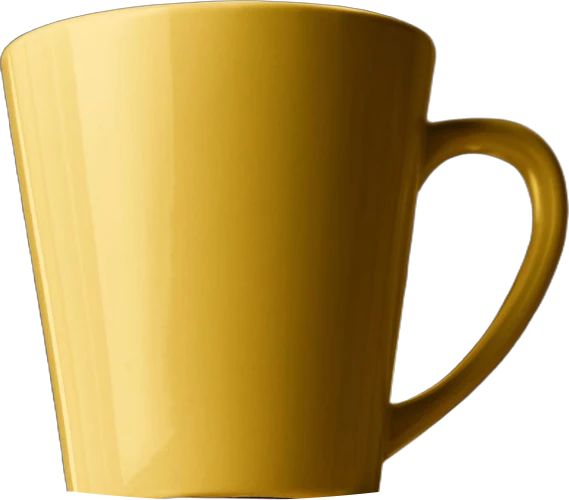
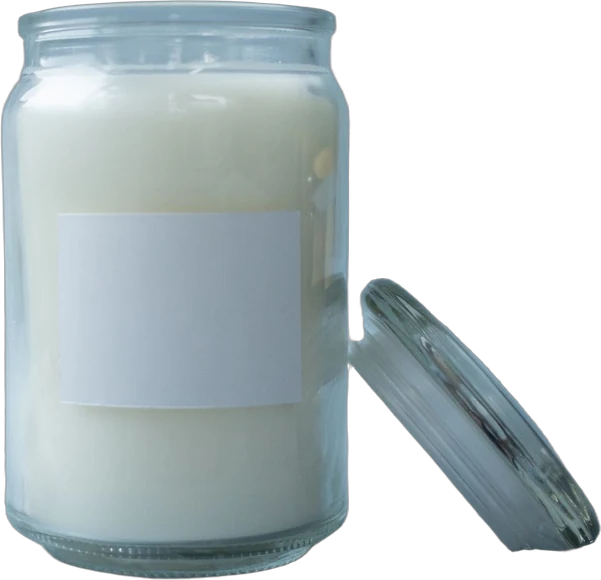
Then you try it. The candle comes back with a slightly different label. The mug's handle has changed shape. The sunlit kitchen looks lovely, but it's the same glossy kitchen every other shop is using.
On Etsy, buyers often choose a shop because it feels real, so AI product photos need more care there than almost anywhere. This guide covers what Etsy's rules say, where AI edits help and hurt, and the lifestyle photos worth taking yourself.
What Etsy's image rules say about AI
Etsy's image requirements cover AI directly. The requirements:
- All images must accurately show the item's true appearance, including colour, condition, scale and materials.
- Each listing must include at least one unedited photo of the actual item against a real background. Some exceptions may apply depending on what you sell.
- Your other photos can be edited, including with AI, to adjust lighting or colour, crop or resize, or change backgrounds.
- You can't use editing to hide flaws, conceal damage or make the item look different from what the buyer will receive.
- You can't use images that create false expectations.
- If you sell patterns, recipes or instructions, you must show a real result made from them, not an AI-generated or simulated one.
And two best practices from the same page:
- Make your first photo the clearest, most realistic image of what the buyer will receive.
- If you used AI to edit any photos, say so in your listing description.
On Etsy, keep one real, unedited photo in every listing, and make your first photo the most honest one.
Separately, Etsy's Creativity Standards say that if an item itself is created with the use of AI, you must disclose that in the listing description. That's about the product, such as AI-assisted art, not about editing a photo of something you made.
Three kinds of AI product photos
| Type | What it does | Risk on Etsy |
|---|---|---|
| AI editing | Fixes light, removes a background, cleans dust off a real photo | Low, if the item still looks the same |
| AI backgrounds | Keeps your real product and generates a new scene around it | Medium: lighting and scale can look off |
| Fully generated | Creates the product itself from a prompt or a reference | High: the product often isn't accurate, which breaks the accuracy rule |
Most problems come from the third type. The first two start with a real photo of your real item, which is what Etsy cares about.
Where AI helps
- Cleaning up a real photo. Removing a stray crumb, evening out the background or fixing a colour cast. This is ordinary editing, done faster.
- Background swaps on secondary photos. Your real product on a different surface, as long as the light and scale look believable.
- Testing ideas before a shoot. Generate a few scenes to decide which setting suits your shop, then shoot the real thing.
YelloShelf sits in this space. It makes listing images from your product photo, sized per marketplace, so treat its images the same way: a secondary photo you check against the item in your hand.
Where AI backfires
- The product changes. Generated images often alter small details: label text, stitching, the number of buttons, the grain of the wood. A buyer who receives something different has a reason to return it or leave a poor review.
- Text comes out wrong. Letters on labels and packaging are often garbled.
- Scale is guesswork. A tool doesn't know your vase is 15 cm tall. It may put it next to a sofa as if it were a floor vase.
- Colour drifts. Generated light can shift sage green to mint, or cream to white.
- It looks like AI. Overly perfect light, plastic-looking surfaces, odd shadows and backgrounds that don't quite make sense. Shoppers who notice this tend to trust the listing less.
- Every shop looks the same. If everyone uses the same tools and styles, your photos stop standing out.
Lifestyle photos you take yourself
A lifestyle photo shows the product in a real setting: being used, worn or placed where it belongs. A plain background photo answers "what is it?". A lifestyle photo answers "what's it like to own?" and often "how big is it?". A real lifestyle photo can also be the unedited photo Etsy requires.
Lifestyle shots matter most when:
- Size is hard to judge. Bags, rugs, wall art, planters.
- It's worn. Jewellery, clothing, hats.
- It's used. Kitchen tools, stationery, tech accessories.
- It's decor. Candles, cushions, prints. The buyer is buying how the room will look.
- It's a gift. A photo of it wrapped or on a table helps buyers picture giving it.
Five types worth taking:
- 1In use. Someone using the product for its main job.
- 2On a person. For anything worn. A normal distance first, then a closer crop.
- 3In context. The product where it lives: a mug on a desk, a print on a wall.
- 4Scale. The product with a hand or an everyday object.
- 5Styled flat lay. The product from above with a few related items. Good for social posts too.
Props. If a photo shows things that aren't included, like the pot in a plant hanger photo, say what's included in the description. Etsy's rule against images that create false expectations applies here too.
Shooting at home. Use window light and turn off ceiling lights. Keep to two or three props. Pick a setting that matches your buyer. No filters that change the product's colour. Our guide to the white background product photography setup covers light in more detail.
Etsy photo sizes to keep in mind
From the same Etsy page: listing photos should be at least 2000 pixels wide and tall, and the first photo at least 635 pixels to avoid showing up lower in searches. The first photo should be horizontal or square, with space around the product so it crops well into thumbnails. Our guide to Etsy listing photo size has the details. YelloShelf sizes its images for the marketplace, but check the first photo's crop in Etsy's thumbnail tool.
A worked example
This is a made-up example. "Marrow and Moss" isn't a real shop.
Marrow and Moss sells hand-poured soy candles on Etsy. They tried a fully generated image set and kept a list of what went wrong:
| Image | What happened | What they did instead |
|---|---|---|
| First photo | The lid came back gold, not brushed steel | Real, unedited photo on their own shelf |
| Bathroom scene | The candle looked twice its size next to the tub | Real lifestyle photo on their bath shelf |
| Label close-up | The scent name was misspelled | Real close-up, no AI |
| Living room | Looked fine, but very similar to other shops | Kept as an AI background behind the real candle, noted in the description |
A YelloShelf image would get the same treatment as that living room scene. They ended with six real photos and one AI background swap, with one line in the description saying which photo was edited with AI.
Quick checklist
- At least one unedited photo of the real item against a real background.
- First photo the clearest, most realistic one.
- AI used for edits or backgrounds, not to recreate the product.
- Every AI image checked against the item: label, colour, size, finish.
- AI edits mentioned in the description, and AI-made items disclosed.
- A scale photo and an in-use or worn photo.
- Props that aren't included are named as such.
AI product photos on Etsy with YelloShelf
YelloShelf makes listing images from your product photo, sized per marketplace, and drafts the title, description and 13 Etsy tags, researched from what's already selling, with a suggested price. It can also make social posts with captions and hashtags for Instagram, TikTok, Pinterest, Facebook and X. The rules above still apply to YelloShelf images: keep your real, unedited photo in the listing, check each image against the item, and mention AI edits in your description. It doesn't publish anything to Etsy. You choose the images and upload them yourself.
No subscription or free trial. Pay as you go credit packs from $10, with a 7-day money-back guarantee on your first purchase.
Made by the team behind YelloShelf
Get listing images and copy from your product photo
Upload a product photo and get listing images sized for the marketplace, plus a title, description and 13 Etsy tags to start from. You check every image against the real item before you upload.
- Pay as you go credit packs from $10
- No subscription
- 7-day money-back guarantee on your first purchase
FAQ
Does Etsy allow AI product photos?
Etsy allows AI editing on your listing photos, to adjust lighting or colour, crop, resize or change backgrounds. Every listing still needs at least one unedited photo of the actual item against a real background, and no image can make the item look different from what the buyer receives.
Do I have to say I used AI in my Etsy listing?
If the item itself was created with AI, Etsy requires you to say so in the listing description. For AI-edited photos, Etsy recommends noting it in the description as a best practice.
Can my first Etsy photo be AI-edited?
Etsy's rules require at least one unedited photo, not that it comes first. Etsy does recommend making the first photo the clearest, most realistic image of what the buyer receives, so a real photo is the safest choice there.
What are lifestyle product photos?
Photos that show the product in a real setting: being used, worn or placed where it belongs. They help buyers judge scale and picture owning it, alongside plain background shots that show the item alone.
Can I sell a pattern or recipe with an AI-generated result photo?
No. Etsy says sellers of patterns, recipes or instructions must show an actual result made using the instructions, not an AI-generated or simulated one.