Clothing photos thatlook fresh and true
- Steams out creases and wrinkles
- Cleans up lint, dust and stray threads
- Fixes the light so colours look true
- Real wear and flaws stay visible
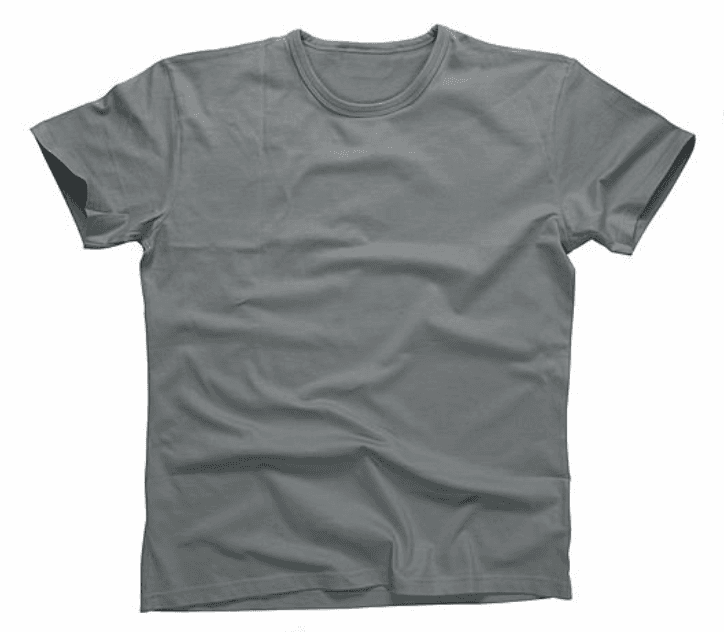
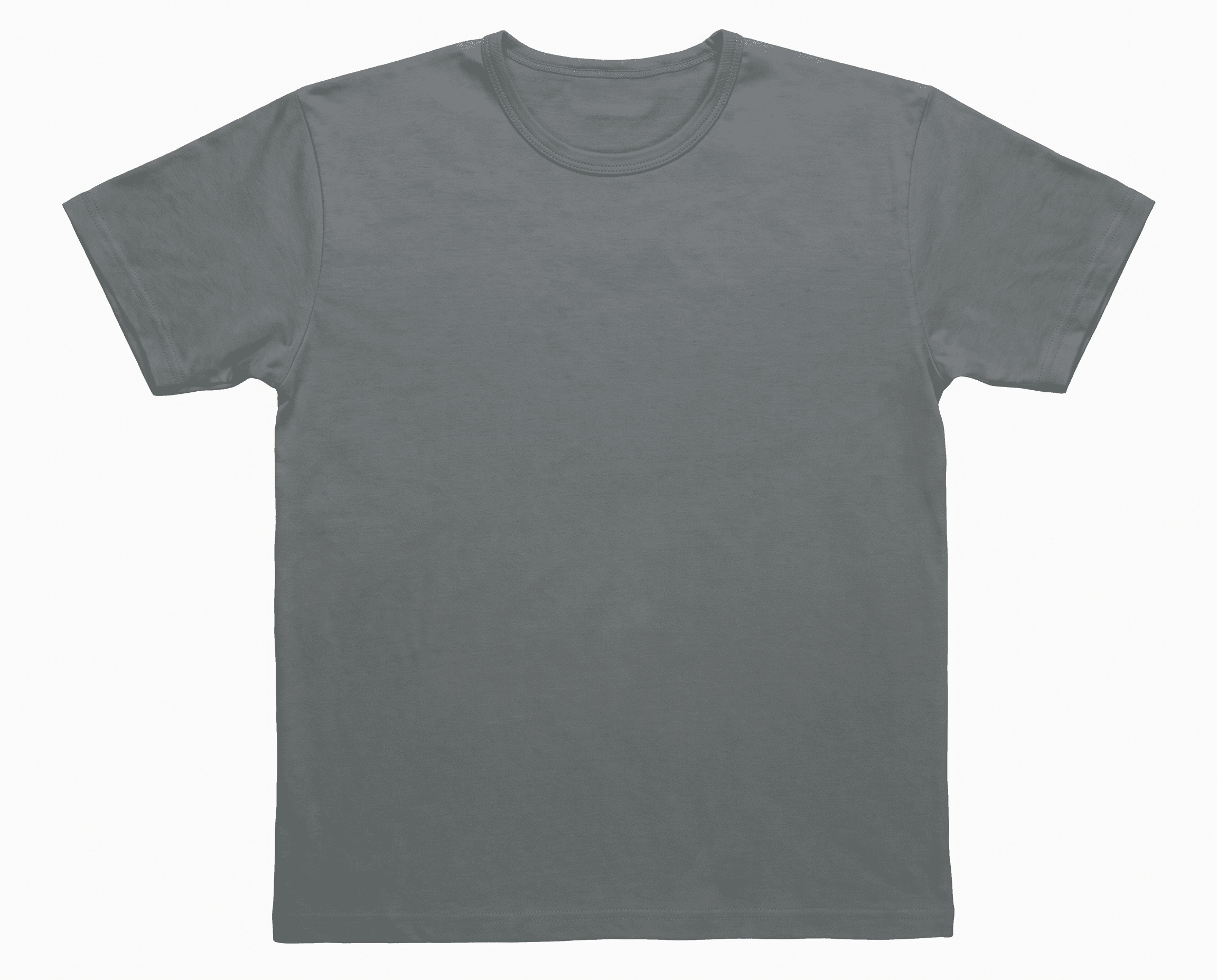
- Steam
How it works
- 1
Upload your photos
Add one clothing photo or a whole batch, straight from your phone.
- 2
Switch on what you need
Steam, Clean up and Light each work on their own. Turn on one, two or all three, and you only pay for what you use.
- 3
Compare and download
Drag the line to see your original next to the edit, then download the photos you like.
What you get
- BeforeAfter
Creases steamed out
Wrinkles and crumpled folds smooth out, as if the item was freshly pressed.
- BeforeAfter
Original next to the edit
Drag to compare every photo with your original before you download it.
- BeforeAfter
Collar and seams stay
Necklines, seams and stitching come back exactly as they were.
- BeforeAfter
Same shape and fit
Sleeves and cut keep their real shape and size. Only the creases go.
- BeforeAfter
Hem and stitching kept
Edges and stitch lines stay sharp and true to the item.
- BeforeAfter
True colour
The fabric keeps its real shade, so buyers get what they see.
FAQs
No. Each tool only does its one job. The print, logo, colour, shape and size stay the same, and you always see your original next to the edit so you can check.
No. Buyers need to see the real condition, so stains, holes, fading and pilling stay visible. Clean up only removes loose lint, dust and threads lying on the fabric.
Yes. Steam, Clean up and Light each work on their own. Switch on only what a photo needs, and you only pay for the tools you use.
Yes. Upload up to 20 photos at a time and the tools you switch on run on every one.
Steam and Clean up are 55 credits a photo each, and Light is 5 credits. On the $10 pack that's $0.55 or $0.05 a photo.