How to photograph clothes to sell on eBay, Vinted and Depop
You don't need a studio to take clothing photos that sell. Here's the prep, the setup, the shot list buyers expect and what eBay, Vinted, Depop, Poshmark and Etsy allow.
Ashish · 7 min read
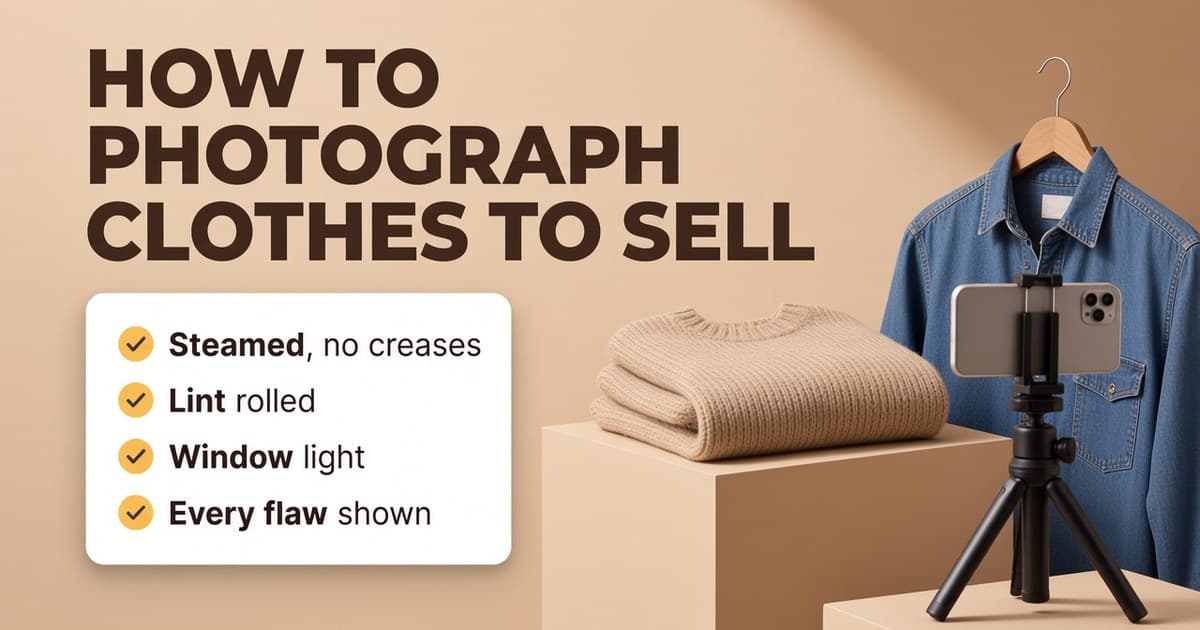
You've got a pile of clothes to list. You hang the first one on the back of the bedroom door, take a photo under the ceiling light and it looks creased, yellow and a bit sad. The jacket is fine in real life. The photo just doesn't show it.
Buyers can't touch or try on anything they buy online. The photos are how they judge the fabric, the colour, the fit and the condition. This guide covers a home setup that works for any marketplace, the shots buyers look for, and what each platform says about photos.
Before you take a single photo
Most bad clothing photos are fixed before the camera comes out.
- Wash it, or at least air it out. Smells don't show in photos, but they show up in reviews.
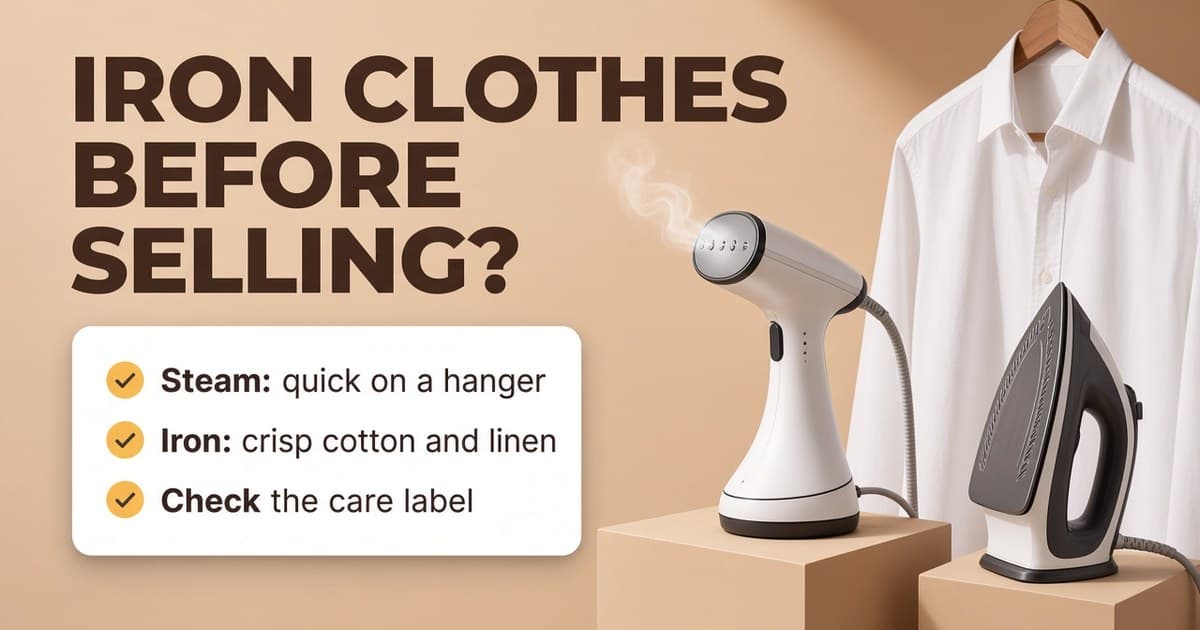
- Get the creases out. A handheld steamer is quick for most fabrics. Our guide on whether to iron or steam before selling covers when it's worth the time.
- Lint roll it. Camera phones pick up every bit of fluff, especially on dark fabric. See how to remove lint from clothes.
- Empty the pockets, do up the buttons and zips, and tuck in loose labels and hanger loops.
- Look for flaws now, while you're handling it. Note every mark, hole, loose thread or bit of pilling so you can photograph it later.
Choose how to show it
There are three common ways to show clothes without a model. Each one suits different items.
On a hanger. Good for dresses, coats, jackets and shirts, where you want to show how the item hangs and its length. Use a plain hanger and hang it against a bare wall or door. A wide hanger stops shoulders from looking pinched.
Flat lay. Good for T-shirts, knitwear, jeans and kids' clothes. Lay the item on a clean, plain floor, bed or table and shoot from directly above, with the phone held flat. If the phone is tilted, the item looks wider at one end.
On a mannequin. Good when fit and shape are what sells it, like tailoring or fitted dresses. A dress form from a second-hand site works fine. Pin the back if it's too loose, but don't pin it so the item looks smaller than it is.
Whichever you pick, try to use the same setup for every listing. A shop where every photo looks alike is easier to browse and looks more trustworthy.
Background and light
Background: plain and uncluttered. A white or light grey wall, a door or a sheet of poster board all work. Keep beds, laundry baskets and pets out of the frame.
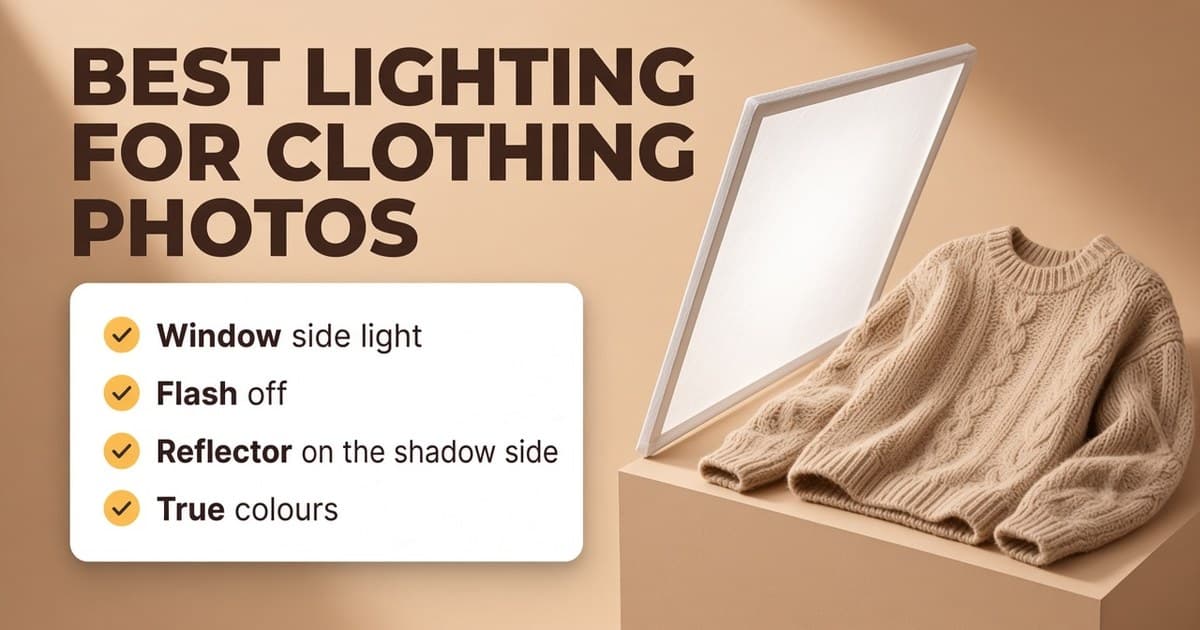
Light: the single biggest improvement. Shoot near a window in daylight, with the window to the side of the item, not behind it. Turn off the ceiling lights, because they add a yellow tint, and turn off the flash. Vinted's own photo advice says the same: daylight over lamplight, and no flash or filters (Vinted help: what photos to upload). Our guide to the best lighting for clothing photos goes into more detail, including what to do on a dark evening.
Camera: hold the phone at the middle height of the item, square on, so the camera isn't pointing up or down. Use the normal 1x lens and step back rather than using the wide lens up close, which stretches the edges. Tap on the fabric to focus and wipe the lens before you start.
The shot list buyers look for
Take more photos than you think you need, then pick the best. For most clothing, that means:
- 1The whole item from the front. This is your first photo, the one buyers see in search.
- 2The whole item from the back.
- 3The brand label and the size label. Make sure the text is readable.
- 4The care label, which shows the fabric.
- 5A close-up of the fabric, so buyers can see the texture and knit.
- 6Details: buttons, zips, pockets, embroidery, print or hardware.
- 7Every flaw, close up and clearly. Marks, holes, fading, pilling, loose seams.
- 8Measurements, if you can: the item laid flat with a tape measure across the chest or waist.
For branded or designer items, add close-ups of logos, labels and stitching, and proof of purchase if you have it. Vinted asks for these for some categories and may hide listings without them.
What each platform says about photos
Every platform wants the same thing in the end: your own photos that show the item as it really is.
- eBay: at least one photo of 500 pixels or more on the longest side. Photos must accurately represent the item, and borders, added text, artwork and watermarks aren't allowed (eBay picture policy).
- Vinted: up to 20 photos, the whole item first, no collages, no stock photos, your own photos taken in daylight, flaws shown. Vinted's Catalog Rules also say photos "have to represent the item as it is - no image editing is allowed" (Vinted Catalog Rules). So on Vinted, fix the item itself before the photo rather than editing afterwards.
- Depop: only your own original photos. Depop asks for photos that accurately represent the item, with any faults, labels and tags shown, and removes listings that use stock images (Depop help: selling on Depop).
- Poshmark: keep the first photo (the cover shot) on a white or simple background, then add the back, the tag, close-ups and any rips, stains or wear (Poshmark photography guide). Buyers can get a refund if an item has undisclosed damage or isn't as described.
- Etsy (vintage): at least one unedited photo of the item against a real background. Edits are fine on the other photos as long as they don't hide flaws or change how the item looks. Our guide to Etsy photos has the sizes.
A worked example
This is a made-up example. "Northgate" isn't a real brand.
A seller is listing a Northgate navy wool overcoat on eBay.
Before: one photo, taken at night on the back of a door, under a ceiling light. The coat has fold creases from storage, the navy looks almost black and there's fluff on the shoulders.
After:
- 1Steamed on the hanger for a few minutes, then lint rolled.
- 2Hung on a wide hanger on a plain white door, next to a side window, mid-morning.
- 3Ceiling light off, flash off, phone at chest height of the coat.
- 4Ten photos: front, back, side, the brand label, the size label, the care label (80% wool), a fabric close-up, the buttons, a small moth hole near the hem in close-up, and the coat laid flat with a tape measure across the chest.
The buyer can now see the real colour, the cut and the hole before they buy. That's what makes them comfortable paying your price.
Quick checklist
- Washed, steamed and lint rolled.
- Pockets empty, buttons done up, flaws noted.
- Hanger, flat lay or mannequin, the same for every listing.
- Plain background, window light from the side, room lights and flash off.
- Phone at mid height, square on, 1x lens.
- Front, back, labels, fabric, details, flaws and measurements.
- Photos checked against the platform's rules.
Edit clothing photos with YelloShelf Product Studio
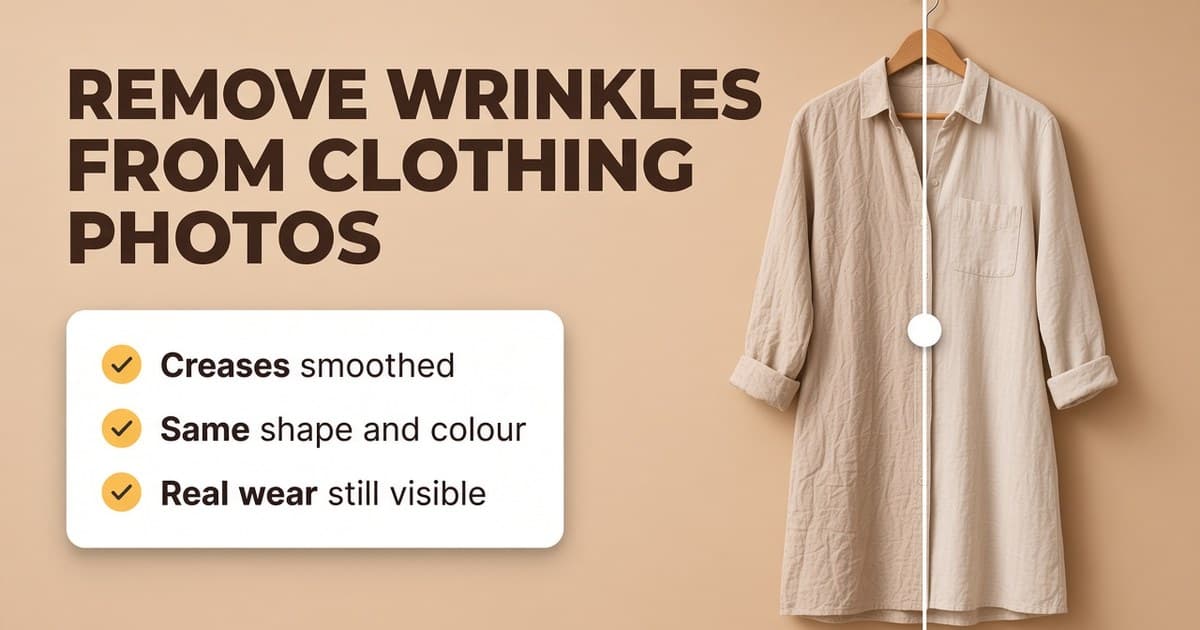
Steaming and lint rolling every item takes time, and window light isn't always there when you're listing in the evening. YelloShelf's Product Studio edits the clothing photos you've already taken. Steam smooths out creases and crumpled folds, Clean up removes loose lint, dust and stray threads lying on the fabric, and Light fixes the lighting so colours look true. Each tool works on its own, so you only turn on what a photo needs, and you can upload up to 20 photos at a time.
It keeps the item honest. The print, logo, colour, shape and size stay the same, and real wear like stains, holes, fading and pilling stays visible. That's a good thing: buyers who see the real condition don't open returns for "not as described". You drag a slider to compare every edit with your original before you download it.
Steam and Clean up are 55 credits a photo each and Light is 5, so on the $10 pack that's $0.55 or $0.05 a photo. You choose which photos to keep and upload them yourself. On Vinted, check the photo rules above first.
No subscription or free trial. Pay as you go credit packs from $10, with a 7-day money-back guarantee on your first purchase.
Made by the team behind YelloShelf
Already took the photos?
Upload up to 20 clothing photos and use Steam, Clean up or Light on each one. Compare every edit with your original before you download it.
- Pay as you go credit packs from $10
- No subscription
- 7-day money-back guarantee on your first purchase
FAQ
What is the best way to photograph clothes to sell?
Steam and lint roll the item, hang it or lay it flat against a plain background, and shoot near a window in daylight with the room lights and flash off. Take the whole item front and back, the labels, a fabric close-up, the details and every flaw.
Is it better to photograph clothes on a hanger or flat?
Use a hanger for dresses, coats, jackets and shirts, where length and how the item hangs matter. Use a flat lay for T-shirts, knitwear and jeans. Pick one style per type of item and stick to it so your shop looks consistent.
How many photos should I take of clothes I'm selling?
Enough to answer every question a buyer would ask: usually the front, the back, the brand and size labels, the care label, a fabric close-up, the details and each flaw. Vinted allows up to 20 photos per listing.
Can I edit my clothing photos before listing them?
It depends on the platform. eBay, Depop, Poshmark and Etsy ask that photos accurately represent the item, and Etsy wants at least one unedited photo. Vinted's Catalog Rules say photos must show the item as it is with no image editing. Never edit out flaws on any platform.
How do I photograph clothes without a mannequin?
Hang the item on a plain hanger against a bare wall or door, or lay it flat on a plain surface and shoot from directly above with the phone held flat. Both show the shape well without a mannequin or a model.