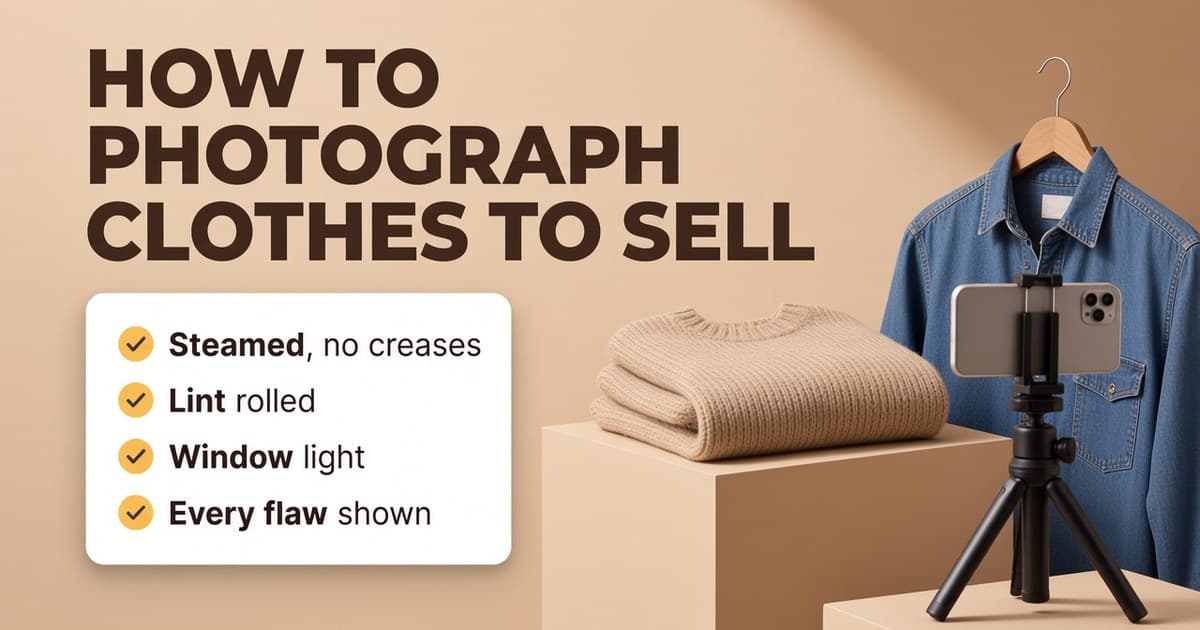
How to remove wrinkles from clothes in photos (without changing the item)
Creases make a good item look tired in photos. Here's how to get them out before you shoot, how to edit them out afterwards, and how to do it without changing what the buyer receives.
Ashish · 6 min read
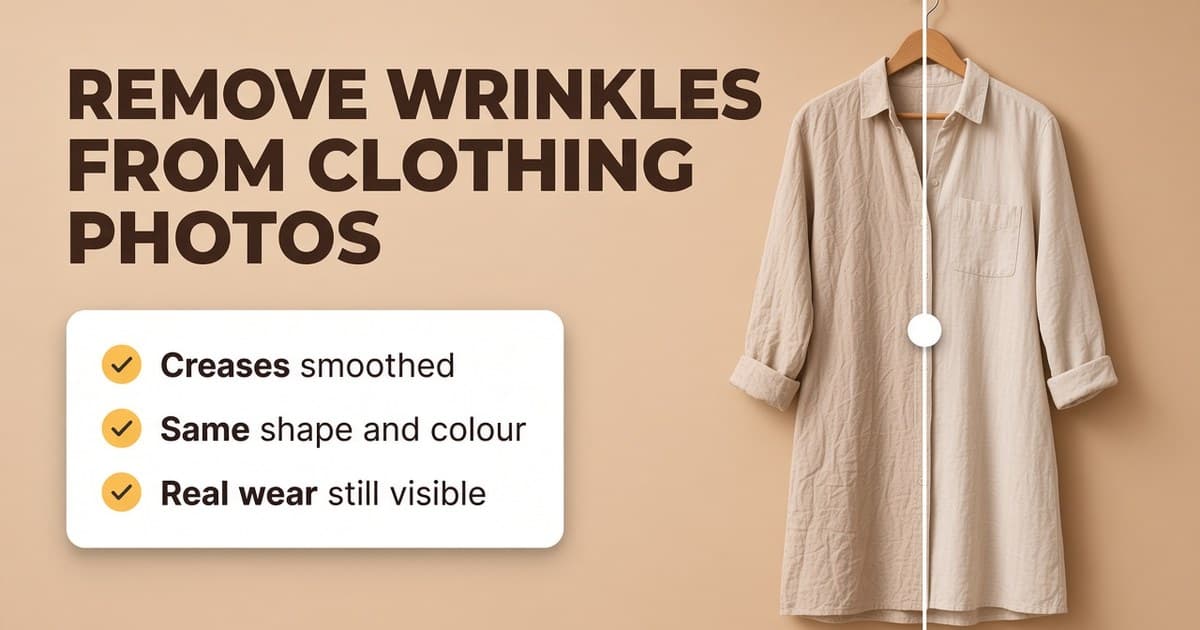
You've photographed fifteen items for your shop and only noticed afterwards that the linen shirt has a crease straight across the chest and the dress still has fold lines from the drawer. Reshooting them all means getting the steamer out, setting everything up again and waiting for the light.
Creases matter because buyers read them as a sign of how the item has been looked after. Sellers on Reddit's resale groups say the same thing again and again: wrinkled photos make people wonder what else they can't see. This guide covers the quickest ways to get creases out of the item, then out of the photo, and the line you shouldn't cross when you edit.
The best fix: before the photo
Getting creases out of the item is still the most reliable fix, and it means it arrives looking the same.
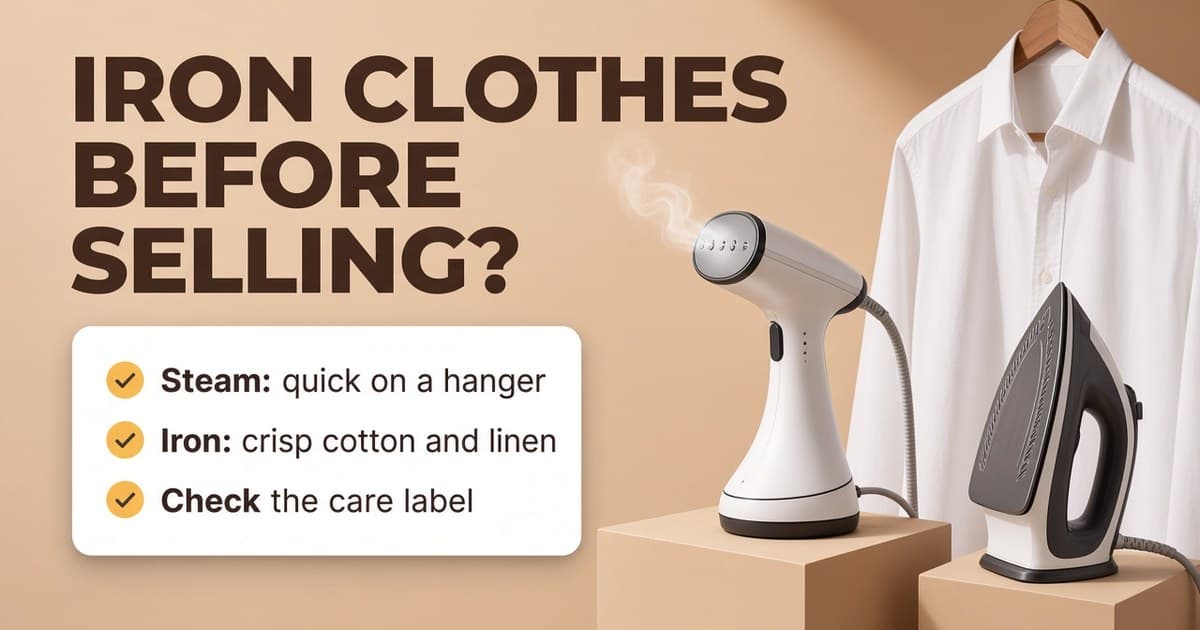
- Handheld steamer. Hang the item, hold the fabric taut from the bottom and run the steamer down it. Most creases drop out in a minute or two. It's quicker than ironing and you can do it on the same hanger you'll photograph on.
- Iron. Better for crisp cotton shirts, linen and trousers with a crease line. Check the care label first. A crossed-out iron symbol means no ironing.
- Shower steam. No steamer? Hang the item in the bathroom while you run a hot shower, then smooth it with your hands. It works for light creases.
- Damp and hang. Lightly mist the creased area with water, tug the fabric straight and hang it to dry.
- Store it hung. Once it's smooth, keep it on a hanger until you photograph it.
Our guide on whether to iron or steam before selling covers when the time is worth it for cheaper items.
When you've already taken the photos
Sometimes reshooting isn't practical. You've already packed the item away, you shot a whole batch in good light and don't want to lose it, or the creases only showed up once you looked on a bigger screen. These are the usual options.
Photoshop or a similar editor. The healing brush and patch tools can paint over creases using nearby fabric. It works well on plain fabric. On patterns, stripes and knits it's slow, because the tool has to match the pattern exactly or the edit shows. Free editors like Photopea (in the browser) and GIMP have similar tools.
Phone object erasers. Many phones now have a built-in tool to remove unwanted things from a photo. They're made for removing objects, like a person in the background, not for smoothing fabric. On a crease they can leave a smudged patch with no texture, so zoom in and check.
AI clothing photo editors. These are made for this job. You upload the photo, the tool smooths the creases and you download the result. The quality varies a lot. Some can also change the colour, sharpen the logo, reshape the collar or "tidy" stains away, which is the problem covered next.
What to check after editing
An edited photo has to show the item the buyer will actually receive. Zoom in and compare it with the original before you upload it:
- Texture. Does the fabric still look like the real fabric? Over-smoothed knit or denim looks plastic.
- Pattern and print. Stripes, checks and prints should run straight, with no warping where a crease was.
- Logos and text. Same size, same place, same spelling.
- Shape and fit. Sleeves, collar, hem and length should be exactly as they were. A tool that makes a shirt look slimmer is making a promise you can't keep.
- Colour. The shade should match the item in daylight.
- Flaws. Every stain, hole, faded patch and bit of pilling should still be there. If an edit removes a flaw, don't use it.
That last point is the most important. Removing a crease is like steaming the item. Removing a stain is hiding the condition, and a buyer who opens a "not as described" case will have a point.
The rules on each platform
- eBay: photos must accurately represent the item (eBay picture policy). Smoothing creases is fine as long as everything else stays true.
- Depop: your own photos that accurately represent the item, with faults shown (Depop help: selling on Depop).
- Poshmark: buyers can get a refund if an item has undisclosed damage or isn't as described (Posh Protect).
- Etsy: edits are allowed if they don't hide flaws or change how the item looks, but each listing needs at least one unedited photo of the real item against a real background.
- Vinted: the Catalog Rules say photos must "represent the item as it is - no image editing is allowed" (Vinted Catalog Rules). On Vinted, steam the item and reshoot rather than editing.
A worked example
This is a made-up example. "Fernhill" isn't a real brand.
A seller has a Fernhill sage green linen midi dress to list on Depop and eBay. It was photographed on a hanger by a window, but it had been folded in a drawer and has three sharp fold lines across the skirt.
- 1In the editor, the creases are smoothed in the photos of the whole dress.
- 2The zoomed-in check shows the linen texture is still there, the button placket is straight and the length hasn't changed.
- 3A small pale mark on the left pocket is still visible in the edited photo and in its own close-up. The description says "small pale mark on left pocket, see photo 6".
- 4The dress gets a quick steam before it's posted so it arrives looking like the photos.
Quick checklist
- Steam or iron the item before the photo if you can.
- If you edit, zoom in and compare with the original.
- Texture, pattern, logo, shape, size and colour unchanged.
- Every flaw still visible, and shown again in a close-up.
- One unedited photo for Etsy, no edits on Vinted.
- A quick steam before posting so the item matches the photos.
Remove wrinkles in photos with YelloShelf Product Studio
YelloShelf's Product Studio has a Steam tool for exactly this. Upload a clothing photo, or up to 20 at a time, turn on Steam and it smooths creases and crumpled folds as if the item had just been pressed. Necklines, seams and stitching come back as they were, and sleeves and cut keep their real shape and size. Only the creases go.
It's built to stay honest. The print, logo, colour, shape and size don't change, and stains, holes, fading and pilling stay visible, so the photo still shows the real condition. That's what you want: it protects you from returns. You drag a slider to compare every edit with your original before downloading it. If the photo also has fluff on it or a yellow tint, Clean up and Light work on their own, and you only pay for the tools you switch on.
Steam is 55 credits a photo, which is $0.55 a photo on the $10 pack. You choose which photos to keep and upload them yourself. On Vinted, steam the real item instead.
No subscription or free trial. Pay as you go credit packs from $10, with a 7-day money-back guarantee on your first purchase.
Made by the team behind YelloShelf
Smooth the creases in your clothing photos
Upload up to 20 clothing photos and turn on Steam. Stains, holes and wear stay visible, and you compare every edit with your original.
- Pay as you go credit packs from $10
- No subscription
- 7-day money-back guarantee on your first purchase
FAQ
How do I remove wrinkles from clothes in a photo?
Use a healing or patch tool in an editor like Photoshop, Photopea or GIMP, or an AI clothing photo editor that smooths creases for you. Afterwards, zoom in and check the texture, pattern, logo, shape, colour and flaws haven't changed.
Is there an app to remove wrinkles from clothes in photos?
Yes. There are AI photo editors made for clothing, including YelloShelf's Product Studio, which has a Steam tool. Phone object erasers can work on small creases but are made for removing objects, so they can smudge the fabric.
Is it allowed to edit wrinkles out of listing photos?
On eBay, Depop, Poshmark and Etsy, photos must accurately represent the item, so smoothing creases is generally fine if nothing else changes and flaws stay visible. Etsy also wants one unedited photo. Vinted's Catalog Rules say no image editing is allowed.
Will editing out creases hide stains?
It shouldn't. A good edit only removes the creases. Always check that stains, holes, fading and pilling are still visible, and show each one in its own close-up. Product Studio is built to keep them visible.
Should I still steam the item if I edit the photo?
Yes, if you can. The buyer expects the item to look like the photos when it arrives. A quick steam before posting, and tissue paper when you fold it, helps it arrive looking its best.